You walk out of a client meeting and try to remember exactly what the buyer said about budget. You jotted three words in a notebook. The rest is already fuzzy.
The short answer: an AI voice recorder for sales captures the whole meeting without you pulling out your phone, then hands you the transcript, a summary, the commitments made and an action plan. For video calls, Gong, Chorus, Modjo, Fireflies or Otter do the job very well. For in-person meetings, trade shows and calls from your cell, a small dedicated device is far more practical. Mine is Pocket: $129 one-time (around €129 in Europe), unlimited transcription, no subscription. Here is why, and above all how I use it after every meeting.
Updated September 2026.
What a field sales rep loses without recording 📉
A sales meeting is dense: you listen, probe, run the demo and take notes at the same time. You write down what feels important in the moment, not necessarily what is. Here is what slips away most often.
Objections, in the client’s exact words
“It’s a bit pricey” and “we’re locked in with a competitor until June” call for completely different answers. In your notebook, both become “price objection”. Yet the exact wording is what lets you prepare the right response for your follow-up.
Commitments and numbers
Volumes, the discount mentioned, lead time, decision date, the name of whoever signs off on budget: get one wrong in the proposal and you lose credibility. And the commitments YOU made (“I’ll send you the case study Monday”) vanish even faster.
Next steps and weak signals
“Our logistics lead should see the demo”, “there’s an RFP in the spring”: this is often said at the end, standing up, with no pen in hand. With a recording, those lines end up in your task list instead of being forgotten.
Add the time lost rewriting notes at night or calling the client back to check a figure. Recording gives you back attention during the meeting and time afterwards.
Gong, Chorus, Modjo, Fireflies, Otter: why video-call tools fall short in the field 💻
Conversation intelligence tools are excellent, but their home turf is video calls and integrated telephony.
- Gong: the benchmark for sales teams (call analysis, coaching, forecasting). No public pricing; 2026 published breakdowns put it around $1,300 to $1,600 per user per year, plus a platform fee. Its mobile app records a face-to-face meeting as audio, with the phone placed near the speakers.
- Chorus (ZoomInfo): same logic, quote-based, with published prices in the same range as Gong.
- Modjo: the French contender, popular with European B2B teams. Published estimates sit around €99 per user per month on an annual contract, often with a minimum of about 15 seats. Native CRM integrations (Salesforce, HubSpot, Pipedrive). In person, it relies on its mobile app, which pauses if you get a call.
- Fireflies: more affordable. According to its pricing page, Pro is around $10 per seat per month billed annually ($18 monthly), Business around $19 ($29), with Salesforce or HubSpot automations on paid plans.
- Otter: Pro around $8.33 per month billed annually ($16.99 monthly), Business around $20, with minute caps on the smaller plans.
In person, that means pulling out your phone, opening the app, leaving it on the table (notifications included) and draining its battery before the next meeting. And for an independent rep or a small team, an annual per-seat license rarely makes sense.
Where they keep the edge: if you mostly sell over video and your manager wants coaching, dashboards and an auto-filled CRM, Gong or Chorus remain the right call. For video meetings, also see my guide to free meeting transcription.
AI voice recorder for sales: the criteria that actually matter ✅
For field use, here is my checklist:
- One gesture to start, without unlocking your phone: the meeting starts with the handshake.
- In-person AND phone calls.
- Real pickup range for a whole meeting table.
- Several days of battery and offline recording.
- A summary AND tasks, not just a transcript.
- An easy way to get the info out to your email or CRM.
- No mandatory per-user subscription.
Pocket: the device I use for my client meetings 🎙️
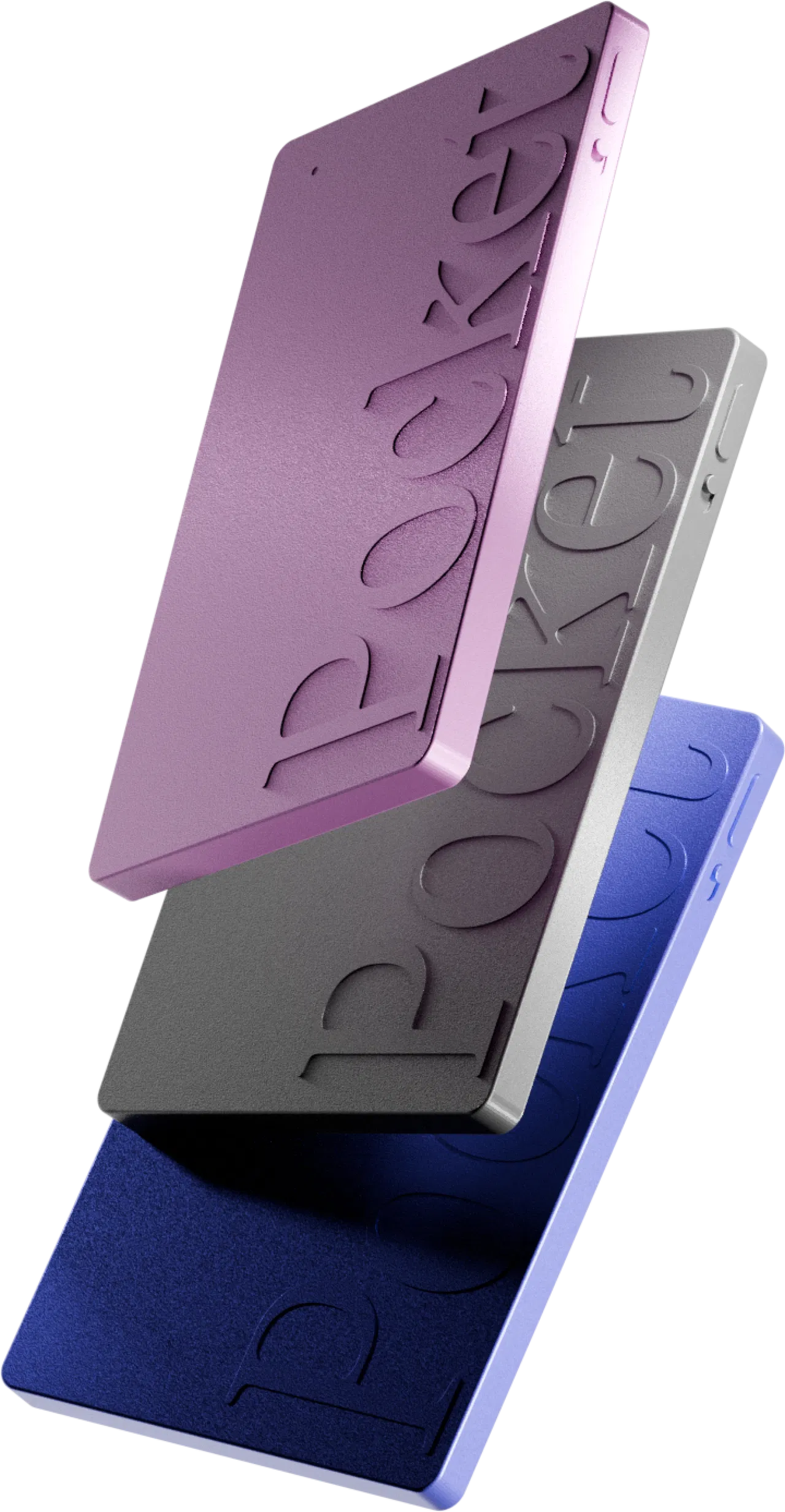
After comparing AI recorders (they are all in my roundup of the best pocket voice recorders), Pocket is the one I carry: a 52 g screenless device, credit-card sized, attached to the back of the phone with MagSafe.
What makes it a good fit for sales work:
- One press and recording starts (vibration + light). Your phone stays in your pocket.
- In-person mode: two studio mics, speaker separation, a stated range of up to 15 m (49 ft) in a quiet room.
- Call mode: a contact mic picks up both sides of a cellular call through the phone’s vibrations.
- Offline: 64 GB on board, up to 4 days of battery, USB-C charging.
- After the meeting: audio, transcript by speaker, summary, action plan (“My tasks”), mind map and Ask Pocket.
- No mandatory subscription: $129 one-time (up to 45% off), optional Pro ($19.99/month).
The full details (screenshots, settings, limits) are in my complete Pocket review.
My actual workflow after a client meeting 🔁
The point is not piling up audio, it is what you do with it in the next 30 minutes. My routine:
1. During the meeting: announce, set down, forget
I announce that I’m recording (see below), set Pocket on the table and press. No more notes: I’m 100% in the conversation, and it shows in the quality of my questions.
2. In the car: the recap in five minutes
Sync happens as soon as I open the app. With “Auto-summary” and “Send summaries to email” turned on, a draft recap is already in my inbox. If the format doesn’t suit me, I regenerate it or switch summary theme. I proofread, tweak two words and send it to my manager.
3. Follow-up, the same day
In “My tasks” I find the extracted action items: “send the case study”, “price the maintenance option”. That becomes the backbone of my follow-up email, where I reuse the client’s exact words. And I no longer forget my own commitments.
4. Updating the CRM without retyping everything
Let’s be honest: I haven’t seen any native CRM integration (Salesforce, HubSpot, Pipedrive) announced by Pocket, unlike Gong or Modjo. My method:
- I paste the summary into the opportunity’s activity note;
- I copy over the key fields (amount, decision date, next step);
- with Pocket’s MCP server, I query my recordings from Claude or ChatGPT: “draft the CRM fields for this morning’s meeting”, with a link back to the original recording.
Pocket also offers “connections / workflows”, and the Enterprise plan adds webhooks. If you need automatic team-wide CRM sync, check with the vendor first.
5. Before the next meeting: Ask Pocket
I ask Ask Pocket: “What objections did this client raise?” or “What did I promise them?”. Thirty seconds later I’m up to speed. Note: on the free plan, Ask Pocket is limited to 2 messages a day and summaries are kept 30 days; Pro removes those limits.
Tip: add your product and client names to the app’s word dictionary to avoid creative transcriptions.
Trade shows, calls and territory days: real-world cases 🧳
At a trade show
The toughest case: in a noisy hall, transcription degrades, as with any mic. My habit: keep Pocket close to the conversation and record a 30-second memo right after (“Julie, buyer at X, 200 units, call back in November”). By evening I have a usable lead list instead of a stack of business cards.
On the phone, from your cell
iPhone now has built-in call recording, with limits (everyone is notified, no sales-oriented summary): see how to record calls on iPhone. With Pocket, the call lands in the same library as your in-person meetings.
On a territory day
With five meetings a day, 4 days of battery and offline recording make all the difference.
On video calls: the exception
Pocket isn’t made for Zoom, Teams or Meet. Keep a software tool for video calls and Pocket for everything else.
Client consent: the rule you never skip ⚖️
Recording a client without telling them is the fastest way to lose their trust. In the US, federal law and most states require only one party’s consent, but around a dozen states (California among them) require everyone’s. In the UK, recording for your own notes is generally allowed, but business use brings UK GDPR transparency duties. Details are in is it legal to record a conversation? (this is not legal advice).
My line: “Mind if I record our conversation? It’s only for my notes, so I don’t miss anything.” Clients usually appreciate the professionalism. If they say no, I don’t record. Other good practices:
- don’t share the raw audio outside your team; share the summary;
- delete recordings you no longer need;
- check your company’s policy on AI tools (Pocket states end-to-end encryption, HIPAA compliance and that data is never sold).
Pocket or a conversation intelligence tool: my comparison 📊
Here is how I position the options. For the other device on the market, read Pocket vs Plaud: honestly, for a sales team that wants reusable report templates, 27+ export formats and team controls, Plaud still has arguments.
Who is it for? 🎯
- B2B field sales reps (industrial, distribution, construction): the ideal use case.
- Independent reps and agents: one purchase, no per-seat license.
- Real estate agents, financial advisors, brokers: lots of face-to-face and numbers.
- Sales managers doing ride-alongs: debrief on real words, not memories.
It’s not for you if you sell 100% over video (get a software tool) or if your company requires automatic CRM sync and team analytics (look at Gong or Chorus).
FAQ – AI voice recorder for sales ❓
Does Pocket connect to Salesforce or HubSpot?
I haven’t seen a native CRM integration announced. I use the emailed summary, copy-paste into the activity note, and the MCP server to have Claude or ChatGPT draft the fields. The Enterprise plan mentions workflows and webhooks: confirm with the vendor for a team.
Can I record a client meeting without telling them?
Don’t. Depending on the state or country it can be illegal, and it breaks trust either way. Always announce the recording at the start.
Does Pocket record calls from my cell phone?
Yes, thanks to its contact mic attached to the back of the phone, which captures both sides of a cellular call. For Teams or Zoom calls on a laptop, it’s not practical.
Do I need a subscription for summaries and tasks?
No. Transcription, summaries, tasks and mind maps are unlimited on the free plan. Pro ($19.99/month) adds lifetime summary storage, unlimited Ask Pocket, high-accuracy transcription and 100+ summary styles.
Aren’t Gong or Chorus enough?
For a team that sells over video, yes. In person they rely on a mobile app, at a much higher annual cost per user.
What about a very noisy trade show?
Transcription degrades with background noise, like any mic. Keep the device close and add a quick voice memo right after the conversation.
My verdict: the AI voice recorder I recommend to sales reps 🏁
In the field, deals are lost to the misremembered objection, the forgotten commitment, the follow-up that comes too late. For video calls and structured teams, Gong, Chorus or Fireflies stay relevant. For in-person meetings, trade shows and cell calls, my pick is Pocket: one press to record, a summary and action plan when you walk out, and no mandatory subscription.
Its limits are known (no native CRM announced, noise, video calls), but at $129 one-time, up to 45% off, with a 30-day money-back guarantee, it’s the best value I’ve found.
This article reflects my personal experience. It contains affiliate links: if you buy through them, I may earn a commission at no extra cost to you. Information about third-party tools comes from their websites and published analyses as of September 2026.