What is the Pocket AI app? In short: it is the companion app for Pocket, a small personal AI assistant (a screenless recorder) that captures your real-world conversations and turns them into transcripts, summaries, action items and mind maps you can search. You press the Pocket device once, and the Pocket AI app does the rest – including Ask Pocket, which lets you question any recording in plain language. Below is exactly what the app is, what it does, how it works, whether it is free, and how to get started.
What is the Pocket AI app, exactly?
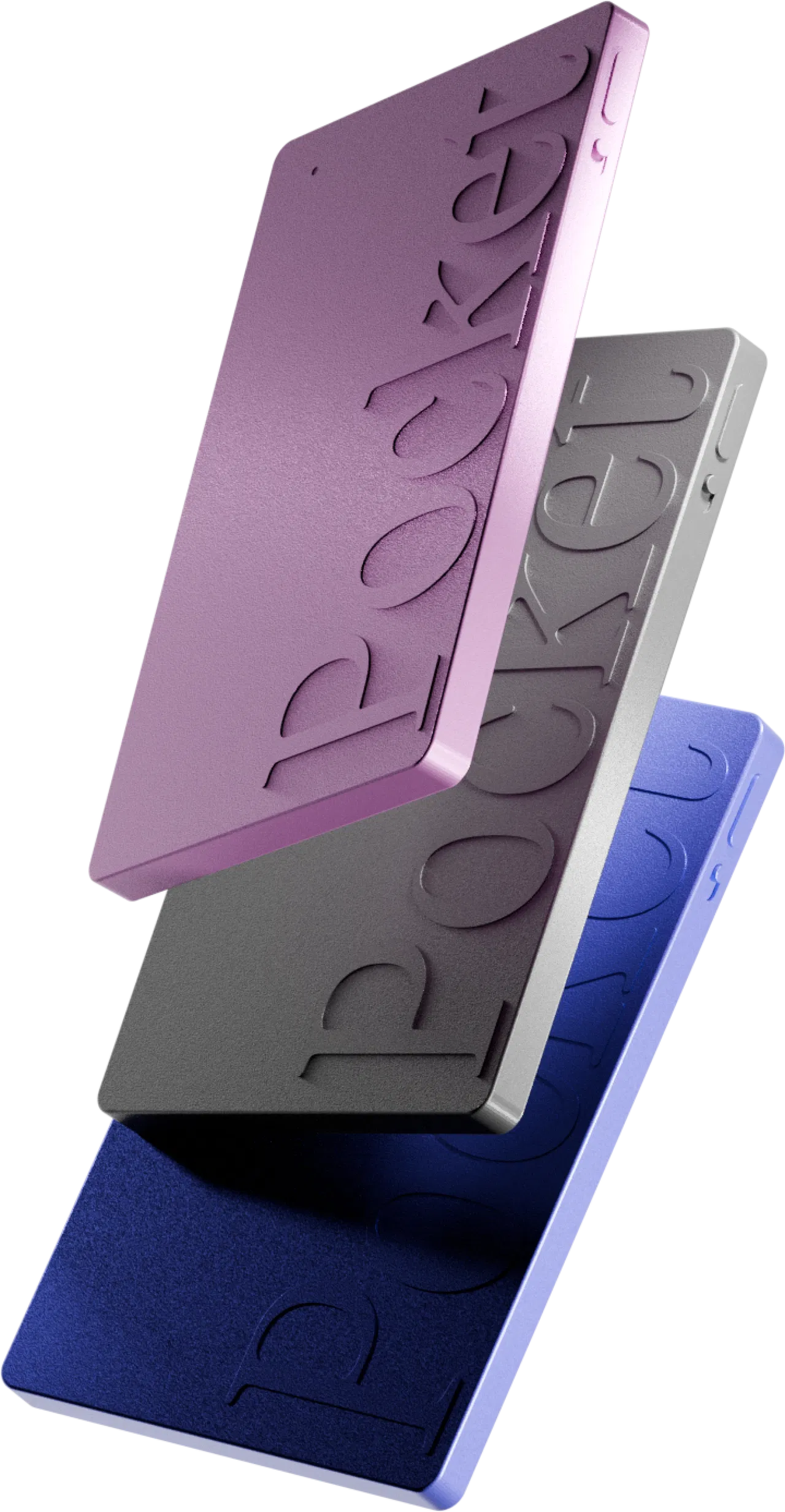
The Pocket AI app is the software half of Pocket. The hardware is a business-card-sized device with one button and no screen; the app (on iOS, Android and desktop) is where everything happens after you record: transcripts appear, summaries are written, tasks are pulled out, and you can ask questions about anything you have captured. One quick note to avoid confusion: several unrelated products also use the name Pocket AI (for example a chatbot app). This page is about Pocket, the AI recorder and its app from heypocket – the small device that captures in-person conversations and phone calls.
What does the Pocket AI app do?
Every recording that syncs to the Pocket AI app is turned into several things automatically – this is the real point of the app.
Full, searchable transcripts
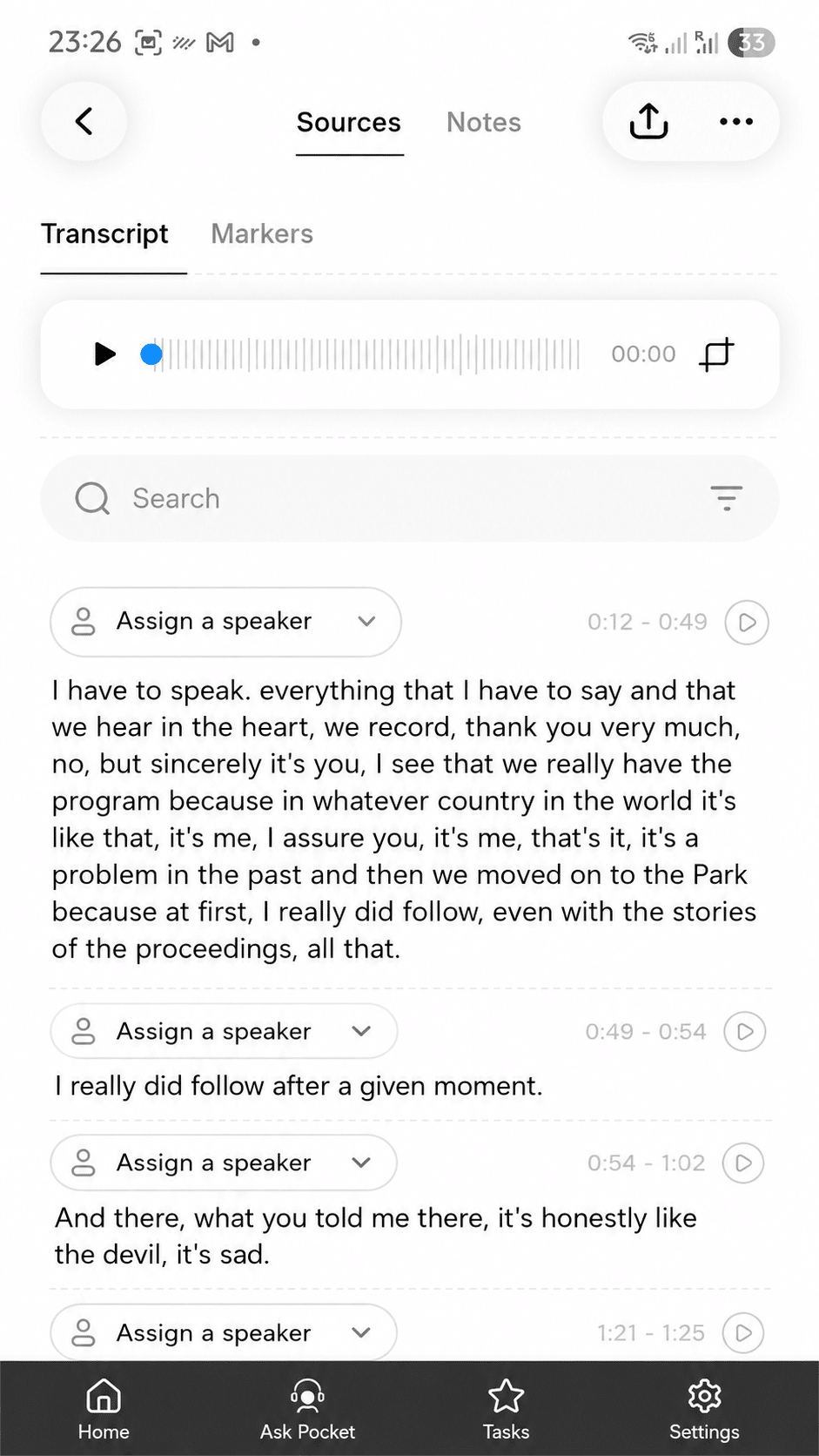
The app produces a complete, speaker-split transcript you can read and search. Accuracy is excellent for clear voices in a quiet room, solid on calls, and weaker in loud, overlapping group talk.
Automatic summaries
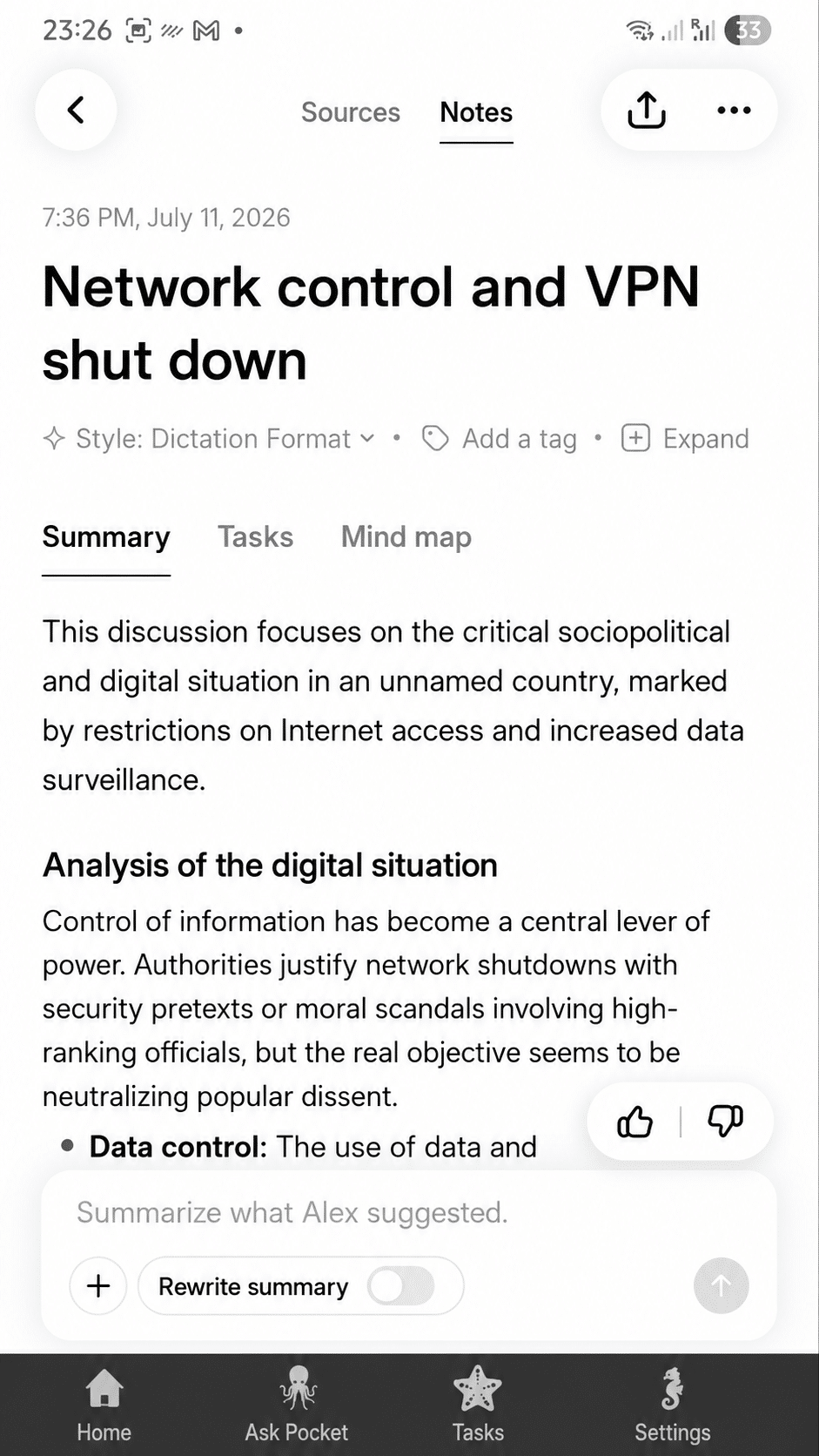
Above each transcript, the app writes a concise summary with bullet-point highlights – the part most people actually re-read after a meeting.
Action items and tasks
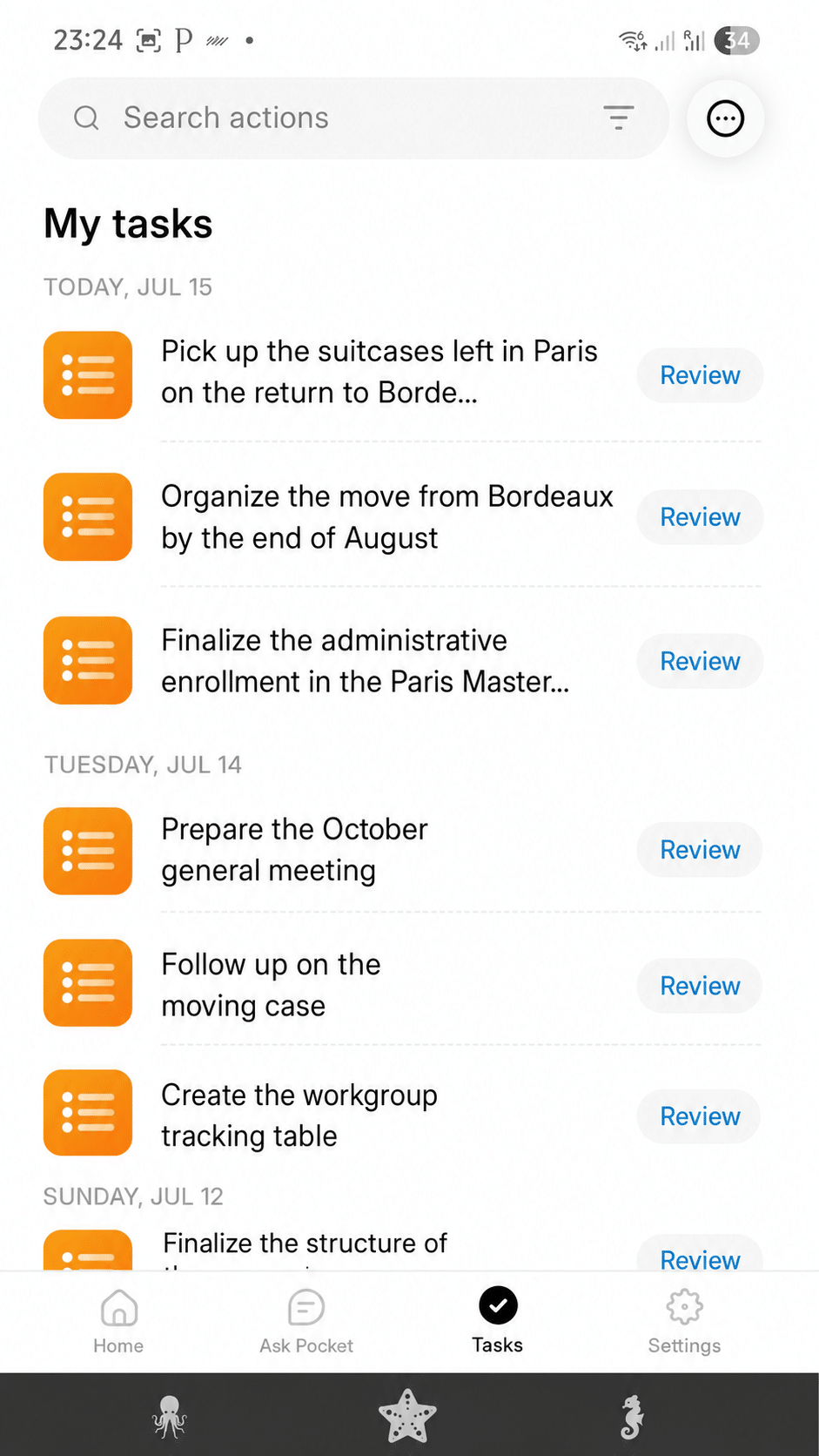
The Pocket AI app extracts action items into a task list and even suggests owners when names are spoken – turning a conversation into follow-up you can act on.
Mind maps
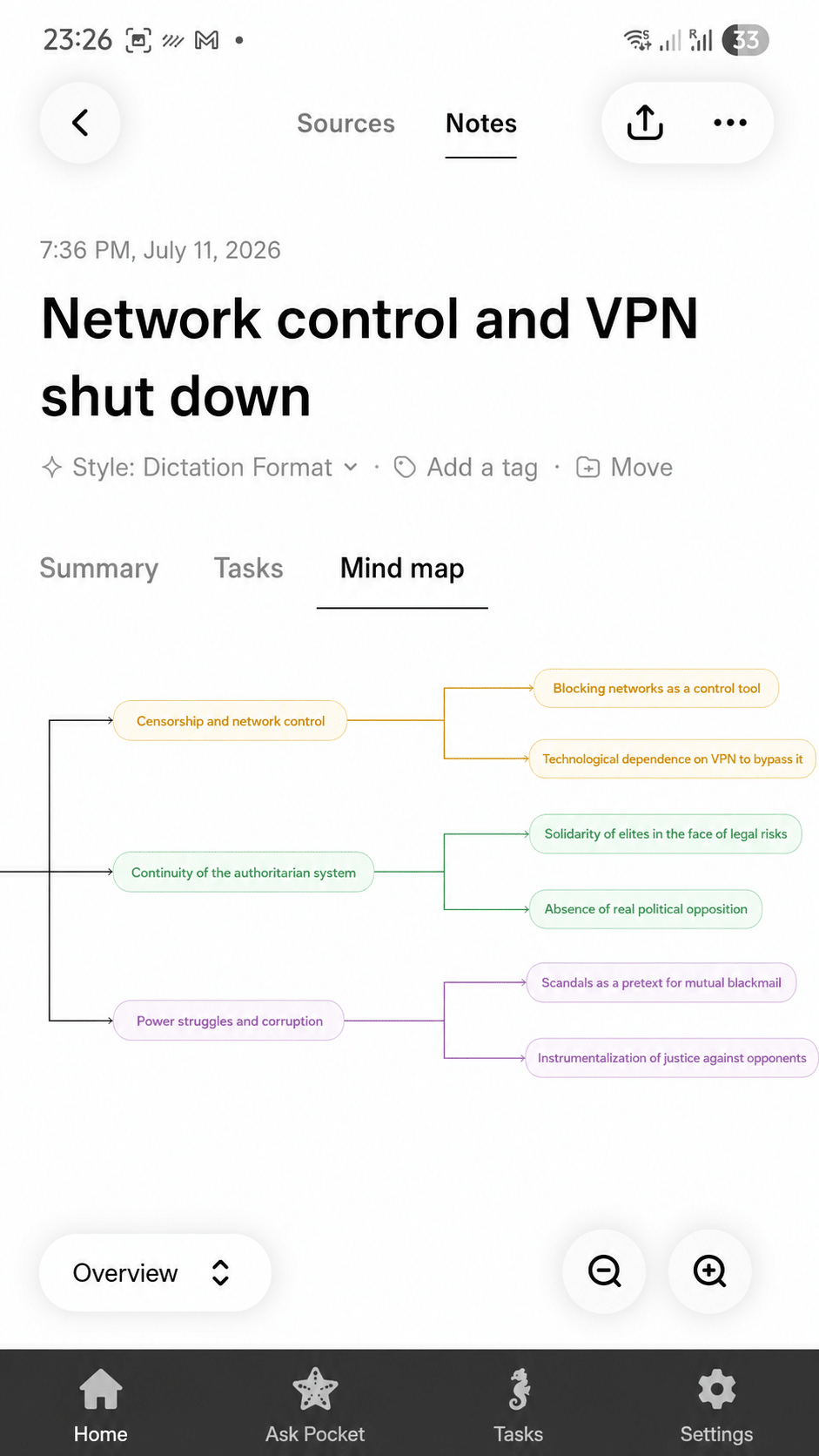
It also builds a mind map of the topics and sub-topics discussed, so you can see the shape of a long meeting at a glance.
Ask Pocket
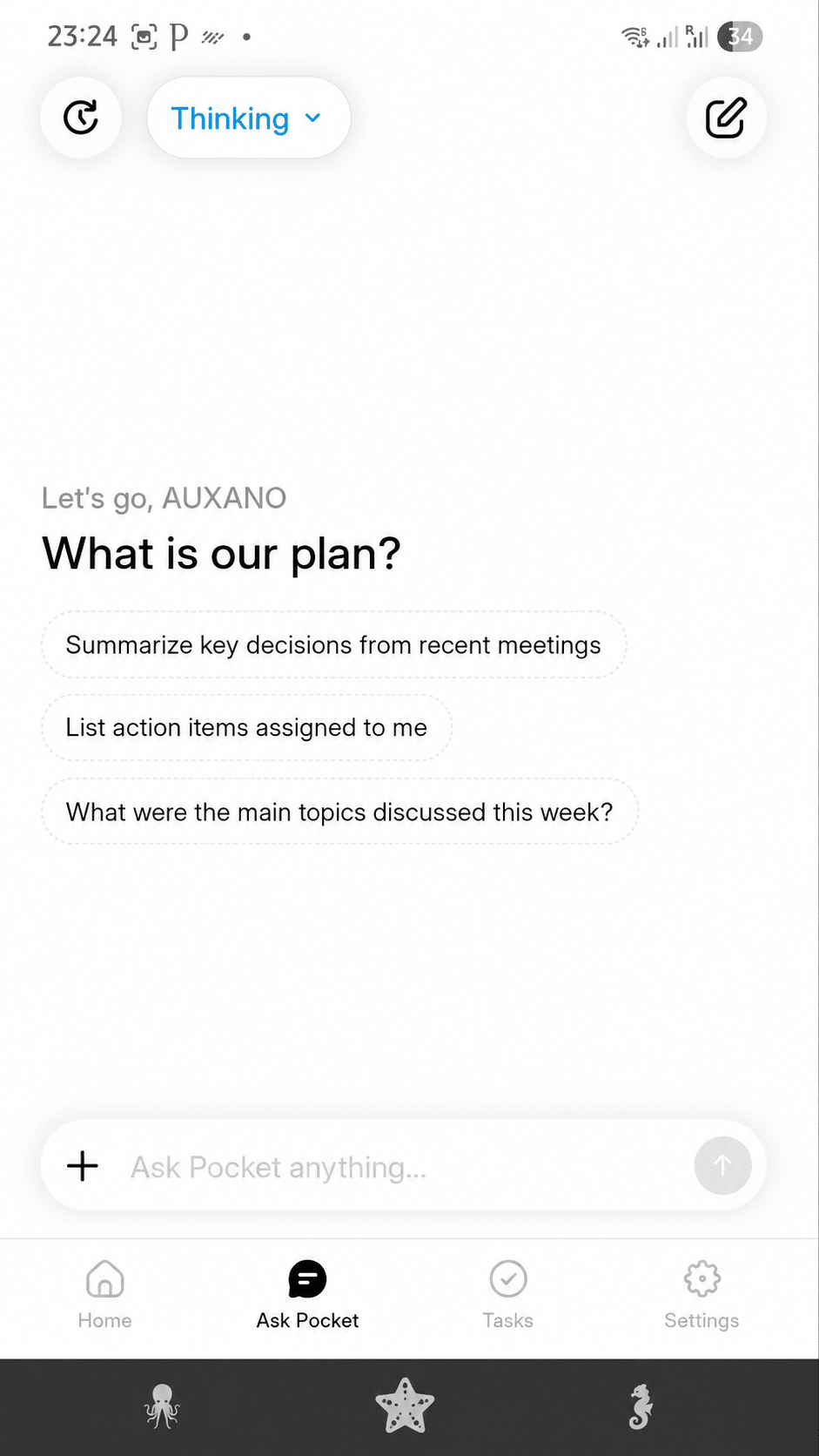
The signature feature is Ask Pocket: instead of scrolling a 45-minute transcript, you ask “what did we decide on the budget?” and get the answer in plain language, with a link back to the source. Your recordings become a searchable memory.
How does the Pocket AI app work?
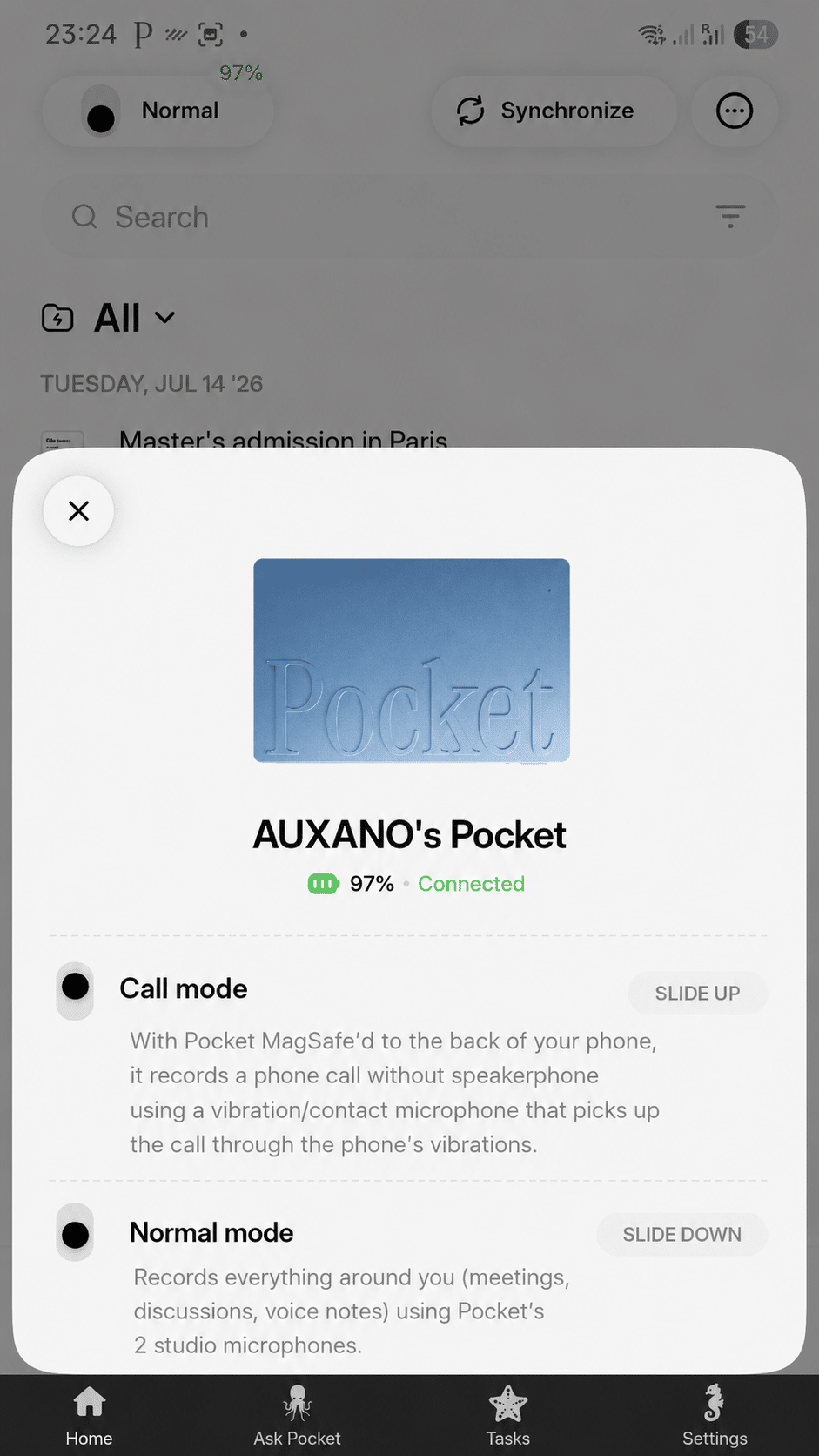
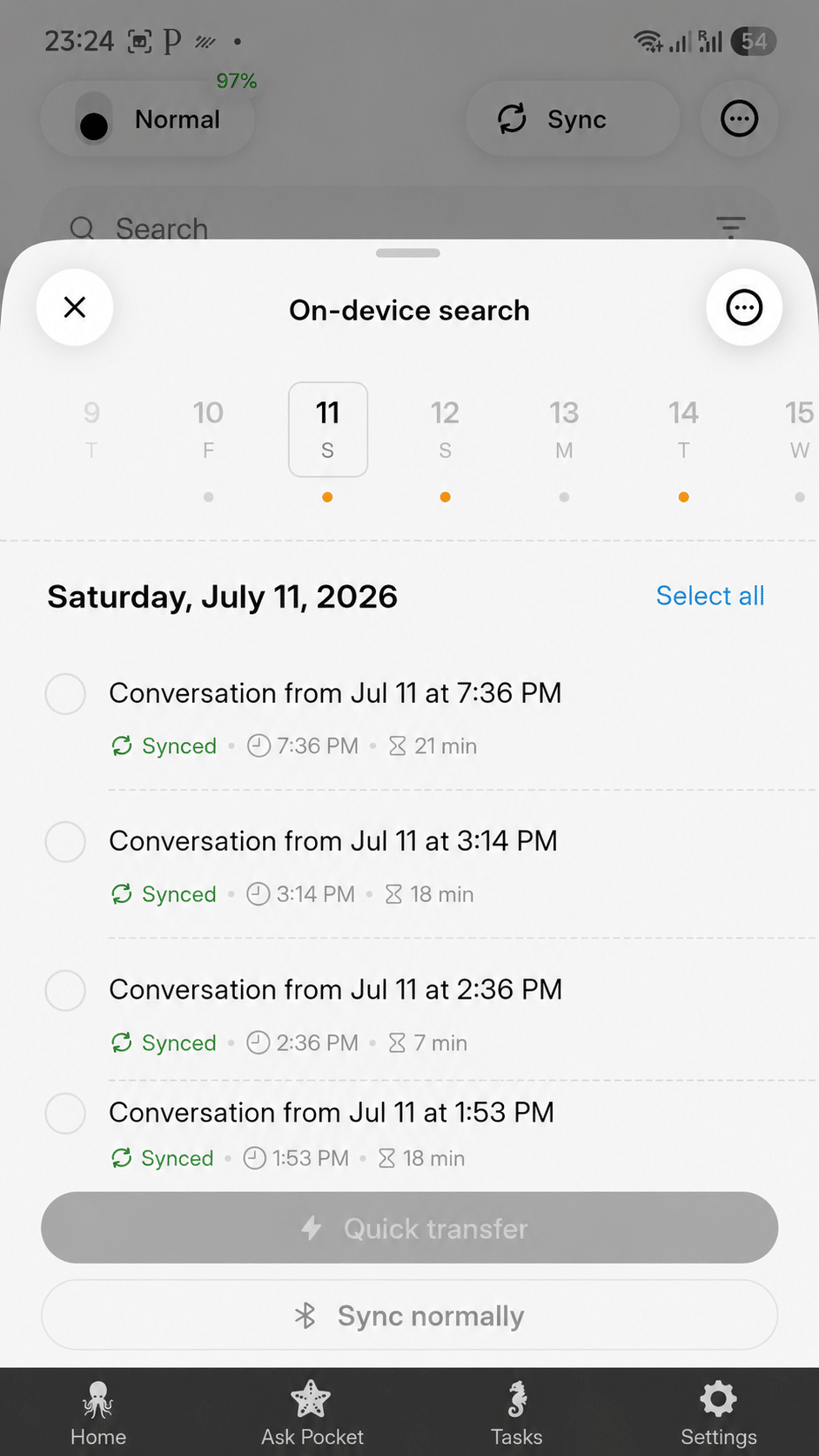
The flow is simple. You press the Pocket device once to record – normal mode for in-person conversations (dual studio mics) or call mode for phone calls (a contact mic near the earpiece). When you open the app, recordings sync over Bluetooth and are processed in the cloud; within a minute or two the transcript, summary and tasks are ready in the Pocket AI app. From there you can assign recordings to projects, add tags, pin sessions, export notes, or ask questions.
Is the Pocket AI app free?
Yes – there is a free tier with unlimited recording minutes for core capture and transcription, so you can use the Pocket AI app without a subscription. An optional Pocket Pro plan adds advanced AI models, AI speaker labels and higher-volume features for power users. The device itself is a one-time purchase (~$129). In other words, the app is free to use for the essentials; you only pay more if you want the advanced layer.
Is the Pocket AI app safe and private?
Pocket is built local-first with end-to-end encryption. In the app you can delete individual recordings or wipe your entire history, and disable cloud retention after processing. As with any recorder, you should disclose recording where the law requires it – consent rules vary by country and, in the US, by state.
What devices does the Pocket AI app work on?
The Pocket AI app runs on iOS and Android, and there is also a desktop app for Mac and Windows so you can read transcripts, summaries and mind maps on your computer. The app pairs with the physical Pocket device over Bluetooth; the device records on its own, but most of the AI value comes through the app, so plan to keep a phone or computer nearby.
How to get started with the Pocket AI app
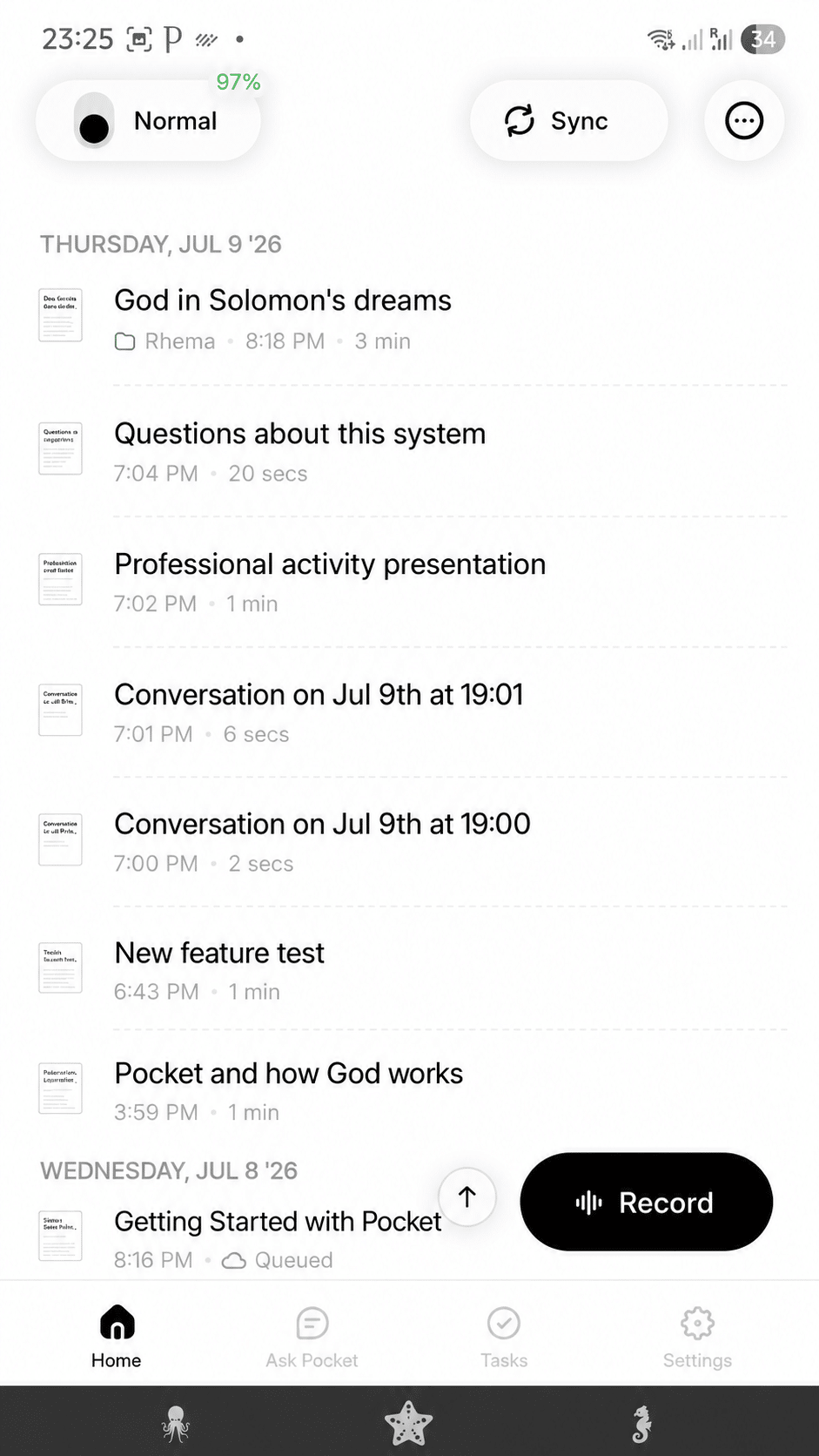
Getting set up takes a few minutes: buy the Pocket device, download the Pocket AI app from the App Store or Google Play, create an account, and pair the device over Bluetooth. Press once to record, open the app, and your first transcript, summary and tasks appear. That is the whole onboarding – no complicated setup.
Is Pocket worth it?
If your days are full of conversations you keep half-forgetting – meetings, calls, lectures, interviews – the Pocket AI app turns them into a searchable archive with almost no effort, and the free tier means you can start without a subscription. If you only record occasionally, a phone app may be enough. For a deeper look, see our full Pocket vs Plaud comparison and our hey pocket reviews.
FAQ – the Pocket AI app
What is the Pocket AI app in one sentence?
It is the companion app for the Pocket recorder that turns your conversations into transcripts, summaries, tasks and mind maps, with Ask Pocket to query them.
Is the Pocket AI app free to use?
Yes – there is a free tier with unlimited recording minutes; an optional Pocket Pro plan adds advanced features. The device is a one-time purchase.
Does the Pocket AI app work without the device?
The app is designed around the Pocket device, which does the recording. The device needs the app for the AI features (summaries, Ask Pocket, search).
Is the Pocket AI app the same as the “Pocket AI” chatbot?
No. Several products use the name “Pocket AI.” This page is about Pocket, the AI recorder and its app from heypocket, not a standalone chatbot.
Is the Pocket AI app safe?
It is built local-first with end-to-end encryption, and you can delete or wipe recordings and disable cloud retention. Disclose recording where the law requires it.
The bottom line
The Pocket AI app is the brain behind the Pocket recorder: it captures your conversations and returns transcripts, summaries, action items, mind maps and answers through Ask Pocket – on iOS, Android and desktop, with a free tier and end-to-end encryption. If you want your real-world conversations to become searchable notes without lifting a finger, that is exactly what the app is for.